Last Torch · New players
Last Torch: a clearer start
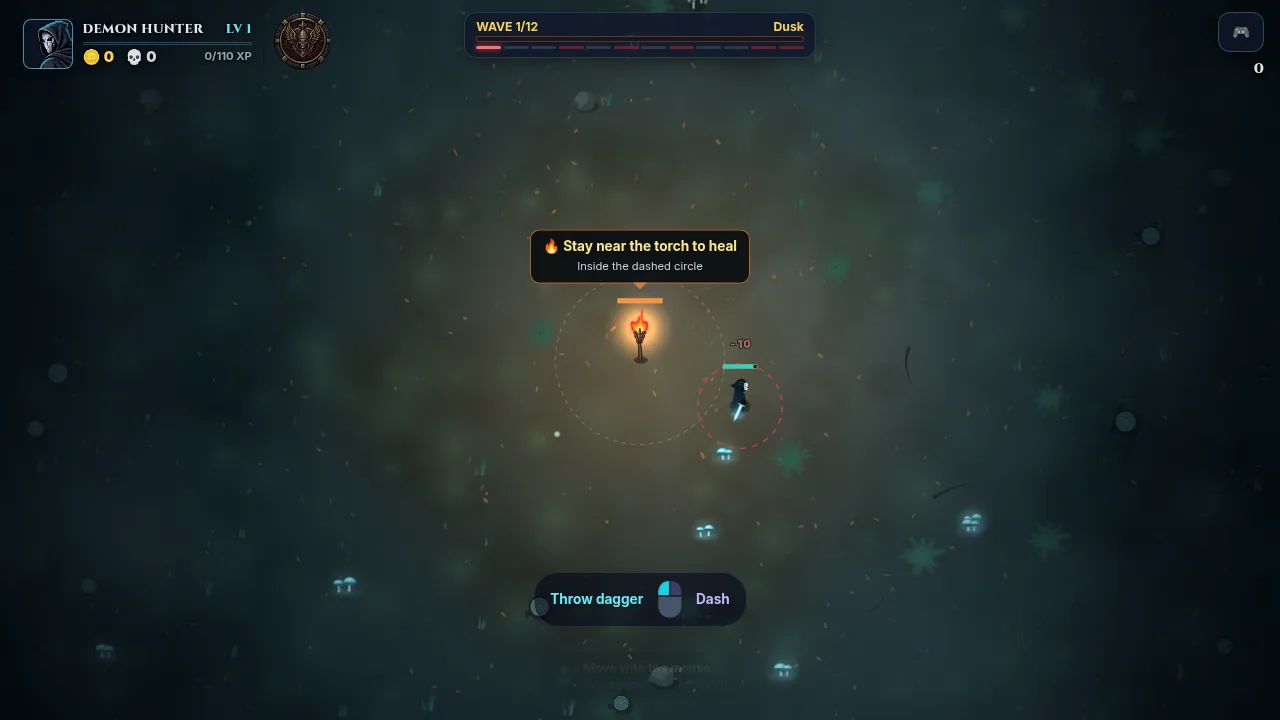
A loading screen with a real progress bar, a dashed circle that always shows where the torch heals you, and a hint that appears right when you need it.
The first minute of a game matters. This update clears up three things that used to confuse new players.
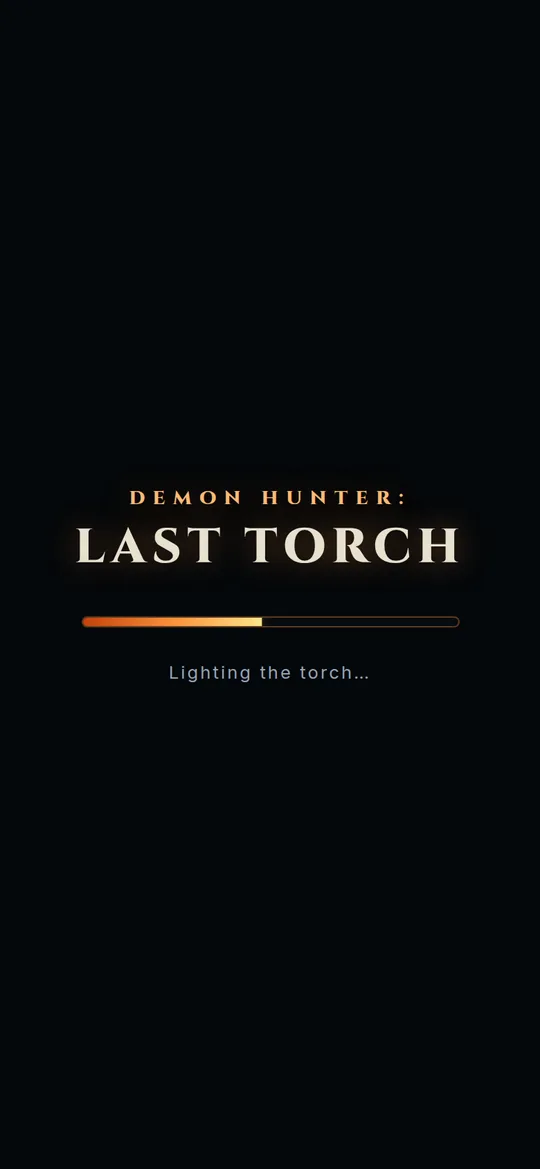
A loading screen that shows progress
While the game loads, you now see the title and a progress bar that really fills as the game’s files arrive, with the line “Lighting the torch…”. Before, the start screen appeared half-empty with a bar that did not move, which looked like the game was stuck.
The torch heals you, and now the game says so
Standing near the torch heals the hero, but many players never noticed. Two changes help:
- The dashed circle around the torch is always visible, even at full health, so you can learn where the safe area is.
- A hint balloon appears above the torch: “Stay near the torch to heal – inside the dashed circle”. It shows the first time you get hurt (or after 25 seconds, if you have not been hit), stays on screen for about nine seconds and then fades away.
Once you heal at the torch for the first time, the hint stops appearing. You have learned it, so it will not get in your way.
Why it matters
Healing at the torch is one of the most important habits of a good night. If you are low on health, leave the fight, step into the circle and recover before going back out.
More updates
- Last Torch: six screens, a world map and eight bosses
- Last Torch: balance for relics, the Altar and skills
- Last Torch: real boss fights and a 5-star wave result